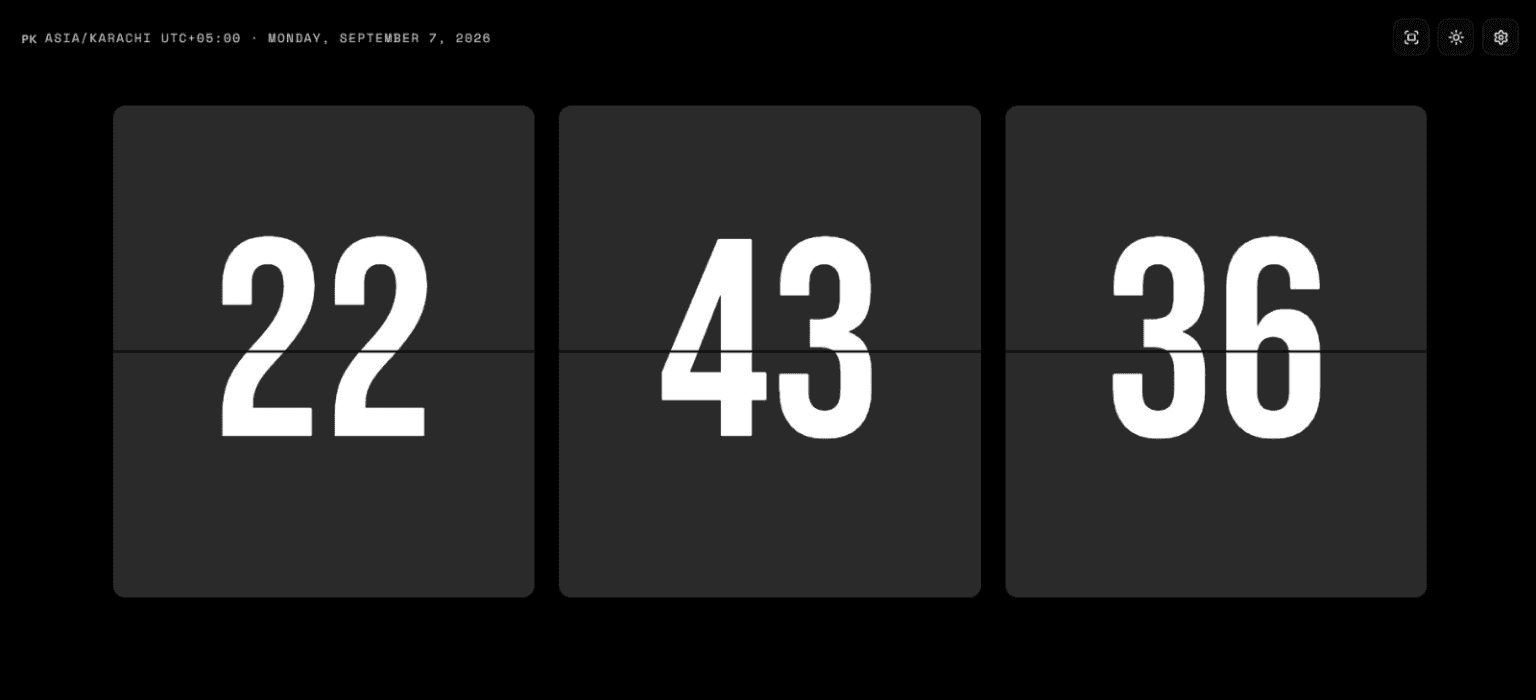
Seconds on or off
Show seconds when you are timing something, hide them for a calmer wall display.
It shows the current time with seconds, in 12- or 24-hour format, in a light or dark theme, and full screen from the Display Mode control under the clock. Digital Clock Online checks your device clock, applies a measured server-time offset, and warns you if the device itself is wrong. Free, nothing to install, no account.
Show seconds when you are timing something, hide them for a calmer wall display.
One tap switches the format. Your choice, and the seconds setting, are remembered on this device.
The Fullscreen control fills your monitor with the clock. Press Esc or tap it again to leave.
Match the room. Dark for a desk at night, light for a projector or a bright classroom.
The display uses a measured server-time offset and warns you if your device clock is off.
247 countries and 312 time zones each have their own page with a live clock.
When the page loads, your browser asks the server for an uncached timestamp, measures the round trip, and applies the resulting offset. The seconds advance locally so the display stays smooth, but the time shown is derived from that server measurement.
The site refreshes the measurement periodically and when you return to a tab. If your device is noticeably off, a warning appears while the clock continues to display synchronized time. If the server cannot be reached, the status line labels the temporary device-time fallback and retries.
Digital Clock Online does not claim atomic precision. Network latency limits any browser clock to roughly the round-trip time, typically well under a second. What you get is a clock that tells you when your computer is wrong, which is the failure that matters in an exam hall or a trading desk.
Compare your local time with the places below. The live comparison loads with the page; add or remove places and they are remembered in this browser.
| Place | Time zone | Standard offset |
|---|---|---|
| United Kingdom · London | Europe/London | UTC+00:00 |
| United States · Washington D.C. | America/New_York | UTC-05:00 |
| France · Paris | Europe/Paris | UTC+01:00 |

Put the clock on the projector with seconds showing. Everyone in the room sees the same time, and the drift warning tells you if the classroom PC is off.
Keep a large clock on a spare screen while you are on calls with people in other zones. The comparison table below shows how far ahead or behind they are.

Open a country or time zone page for where you are going and compare it with your local clock before you book a call or a train.
Use the Visibility control under the clock.
Use the Time Format control. The setting applies immediately.
Use the Display Mode control. Esc brings the page back.
The sun and moon switch in the header toggles light and dark. The site starts dark.
It requests an uncached server timestamp, estimates network delay, and applies the measured offset to the display. It checks again periodically and after you return to the tab. If the device clock differs, a warning appears while the displayed clock remains synchronized, and the clock accuracy page shows you the measured difference in seconds.
Yes. Use the Display Mode control under the clock on this page. The clock fills the whole screen and keeps ticking, with the controls still available below it. Press Esc, or use the same control, to exit. The flip clock page has its own full-screen mode as well.
No. The clock runs in the browser. There is no download and no account. Your format and seconds choices are kept in a cookie on your device so they survive a reload, and the same choices apply on the flip clock page.
Yes. Open the country or time zone pages from the header. Each one has a live clock, the zone's UTC offset and its daylight-saving rules. To see several places next to your own time, use the comparison section on this page; the places you add are remembered in this browser.
Yes. The layout adapts to small screens and the controls work with touch. Full screen depends on the browser: Android browsers and iPad Safari support it, while Safari on iPhone does not offer it for web pages, so the control does nothing there. Everything else works the same.
The page is served without a time in it, because a time written into a cached page would be wrong by the time you read it. The digits fill in as soon as the script runs, usually within a second.
See the current time in a mechanical-style display.
Set any duration and hear an alert at zero.
Run timed focus sessions and planned breaks.
Measure elapsed time and record lap splits.
Set one local alert while this page stays open.
Browse 312 IANA time zones and their live clocks.
Browser extension
Replace the new-tab page in Chrome, Edge or Firefox with Digital Clock Online. Your flip clock, display settings, and optional media tools are ready whenever you open a new tab.
Free to install. Music and sync stay under your control.